Android iOS Fast & Lightweight Secure Login PHP Wallet
Everything phpark24 has to offer — casino slots, live dealer tables, sports betting, and eBingo — in one app built for how Filipinos actually play. Fast loads, a clean interface, and PHP transactions from Manila to Davao.
Most Filipinos use their smartphones for practically everything — banking, social media, entertainment. Gaming is no different. The phpark24 app is built on the reality that most players in the Philippines aren't sitting at a desktop when they want to place a bet or spin a slot. They're on a phone, possibly commuting through EDSA, on a break in Cebu, or relaxing at home in Quezon City.
The browser version of phpark24 works perfectly well, but the app takes things a step further. Load times are noticeably faster because the core interface is cached locally on your device. Navigation between sections — casino, live dealer, sports betting, bingo — is smoother. And features like push notifications for upcoming live events and match kick-off alerts give the app a dimension the browser simply can't match.
It's also worth pointing out that the app is lightweight by design. Many gaming apps are bloated with graphics and audio that eat into your data and slow down mid-range Android devices. The phpark24 app is optimised to run cleanly on phones that aren't the latest flagship models, which is relevant for a lot of players across the Philippines.
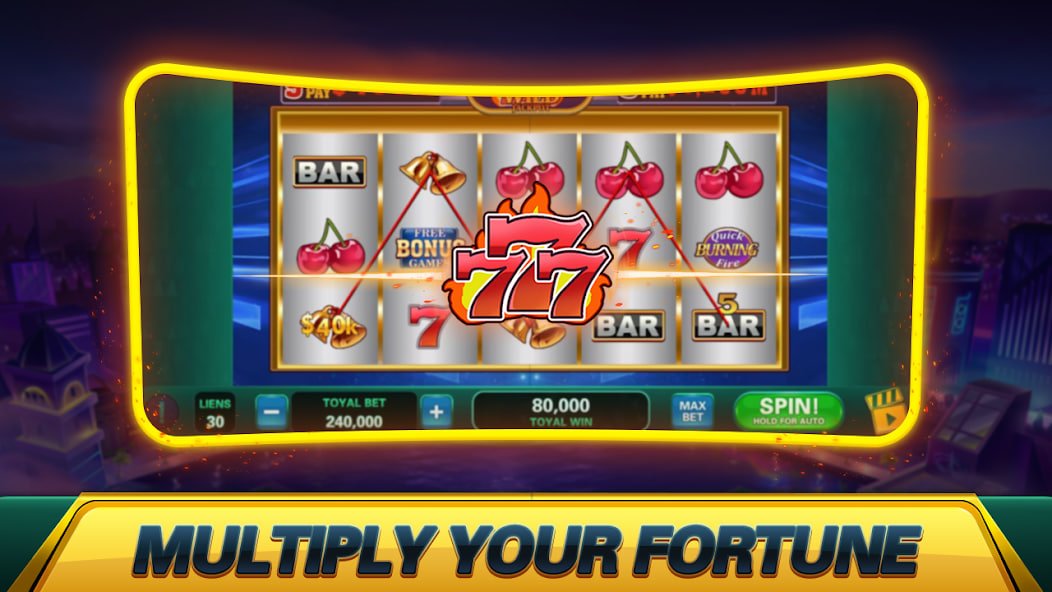
Illustration only. Actual app interface may vary.
The phpark24 app is designed and tested for both major mobile platforms. Here's what you need on each.
The phpark24 Android app is available as a direct APK download from the phpark24 website. No Play Store required — install directly on your Android device in a few taps.
iPhone users can access the full phpark24 experience through the mobile browser or a home-screen shortcut. The web app is fully optimised for Safari on iOS with native-like behaviour.
A gaming app is only as good as the features you actually use day to day. The phpark24 app is built around what Filipino mobile players consistently need.
The phpark24 app gives you full access to every game category — no features are locked to desktop only.
The full slot library and RNG table game section is accessible in the app. Hundreds of titles optimised for touch-screen play, including progressive jackpots in PHP.
HD live dealer streams for baccarat, blackjack, roulette, and Dragon Tiger work smoothly on mobile. The betting interface is fully touch-optimised for one-hand play.
Bet on PBA basketball, international football, boxing, and esports from the app. Live in-play betting and pre-match markets all available in PHP with real-time odds updates.
Join live bingo rooms on the go. Auto-daub keeps your cards marked automatically while you follow the draw. Full room access including 75-ball, 90-ball, and speed rooms.
Deposit in PHP, check your balance, review transaction history, and request withdrawals — all from within the app without needing to open a browser.
Complete your KYC verification, update profile details, manage security settings, and access responsible gaming tools — all handled directly in the phpark24 app.
Jump to a specific section:
Getting the phpark24 app running on your phone takes a few minutes. Here's the step-by-step for both platforms.
Android Installation
Open Chrome or any browser on your Android phone and visit phpark24.vu. Find the App download section and tap the Android APK download link.
Android will ask you to allow installations from this source. Go to Settings → Security → Unknown Sources and enable it for your browser. This is a one-time step.
Find the downloaded APK in your notifications or Downloads folder. Tap it and confirm the installation. The phpark24 icon will appear on your home screen once done.
Open the app, log in with your phpark24 account credentials, or register a new account directly in the app if you haven't signed up yet.
iOS Installation (Home Screen Web App)
Visit phpark24.vu using Safari — important, as this feature works specifically in Safari on iOS, not in other iPhone browsers.
At the bottom of the Safari screen, tap the Share icon (the box with an arrow pointing up). This opens the share menu with additional options.
Scroll down in the share menu and tap "Add to Home Screen." Give it a name — phpark24 — and tap Add in the top right corner.
The phpark24 icon now appears on your iPhone home screen. Tapping it opens the full gaming experience in a borderless, app-like view — no browser toolbar in the way.
The Philippines has one of the highest smartphone penetration rates in Southeast Asia, and mobile internet usage has only grown over recent years. For gaming platforms, that means players expect to do everything from a phone — not just browse, but actually play, deposit, withdraw, and manage their accounts without switching to a computer.
phpark24 was built with that in mind from the start. The app isn't a stripped-down version of a desktop platform with half the features removed. It's the full platform, adapted for touch-screen use and tested across a range of Android devices common in the Philippines — from budget models up to recent flagship phones. The live casino stream, the sports betting in-play interface, the slot library — all of it works the same way on mobile as it does on desktop.
For players in Metro Manila dealing with long commutes, or those in Cebu and Davao who rely on mobile data more than home broadband, the phpark24 app's data-efficient design matters practically. Sessions don't burn through mobile data unnecessarily, and the adaptive stream quality for live dealer games keeps things running even when your signal isn't perfect.
Depositing and withdrawing on the phpark24 app uses the same Philippine-specific payment options as the full website. You can fund your account via Philippine online banking transfer or local e-wallets. GCash and Maya users can initiate transfers through those apps and have the PHP balance reflected in phpark24 once the transaction completes. Withdrawals to your Philippine bank account are processed directly through the app's wallet section — no need to switch to a browser for payment management.

Both options work well for phpark24. Here's how they stack up so you can choose what suits you.
Playing real-money games on a mobile app means your account security matters as much as the games themselves. phpark24 has multiple layers in place.
Every session in the phpark24 app runs over SSL encryption. Your bets, transactions, and personal data are protected in transit at all times.
Sensitive actions — new device login, withdrawal requests, password changes — trigger an OTP to your registered mobile number before proceeding.
After initial setup, use fingerprint or face recognition to log in quickly without typing credentials — faster and more secure than a shared password.
A verified Philippine ID is required to unlock real-money play and withdrawals. This step protects your account from being used by someone else.
Common questions about downloading and using the phpark24 mobile app.